Product update: May 2026

Summary
It has been a busy month, here are the highlights:
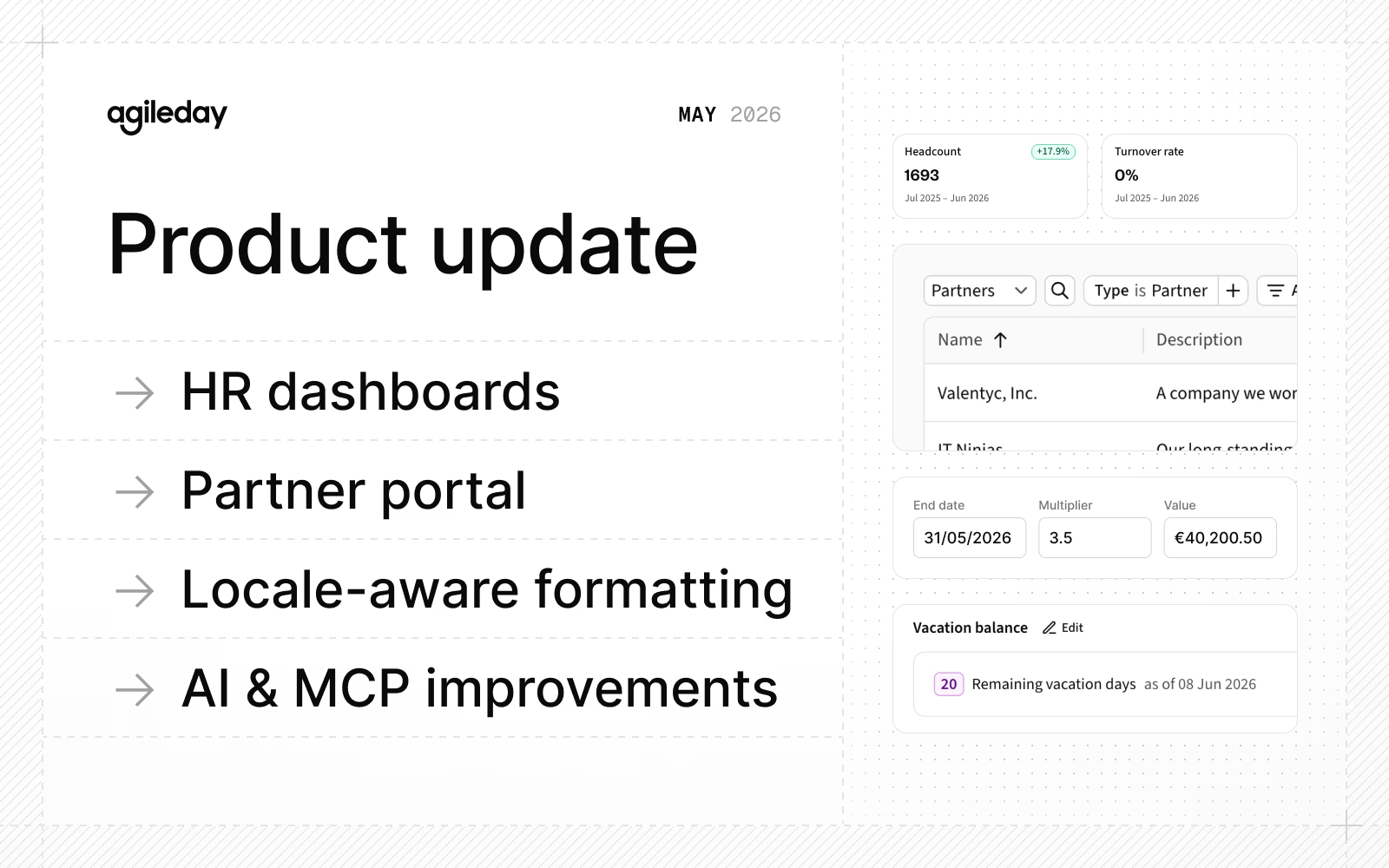
- HR dashboards: View key HR metrics like headcount, attrition, average tenure, and the EU Pay Transparency Directive report.
- Partner portal: Manage all your partner companies in one place.
- Locale-aware formatting: Show numbers, dates, and currencies in your preferred format.
- AI and MCP: New Absence, Allocation, and Opening tools, elicitation support. Now 41 tools and growing.
Read on for details.
HR dashboards
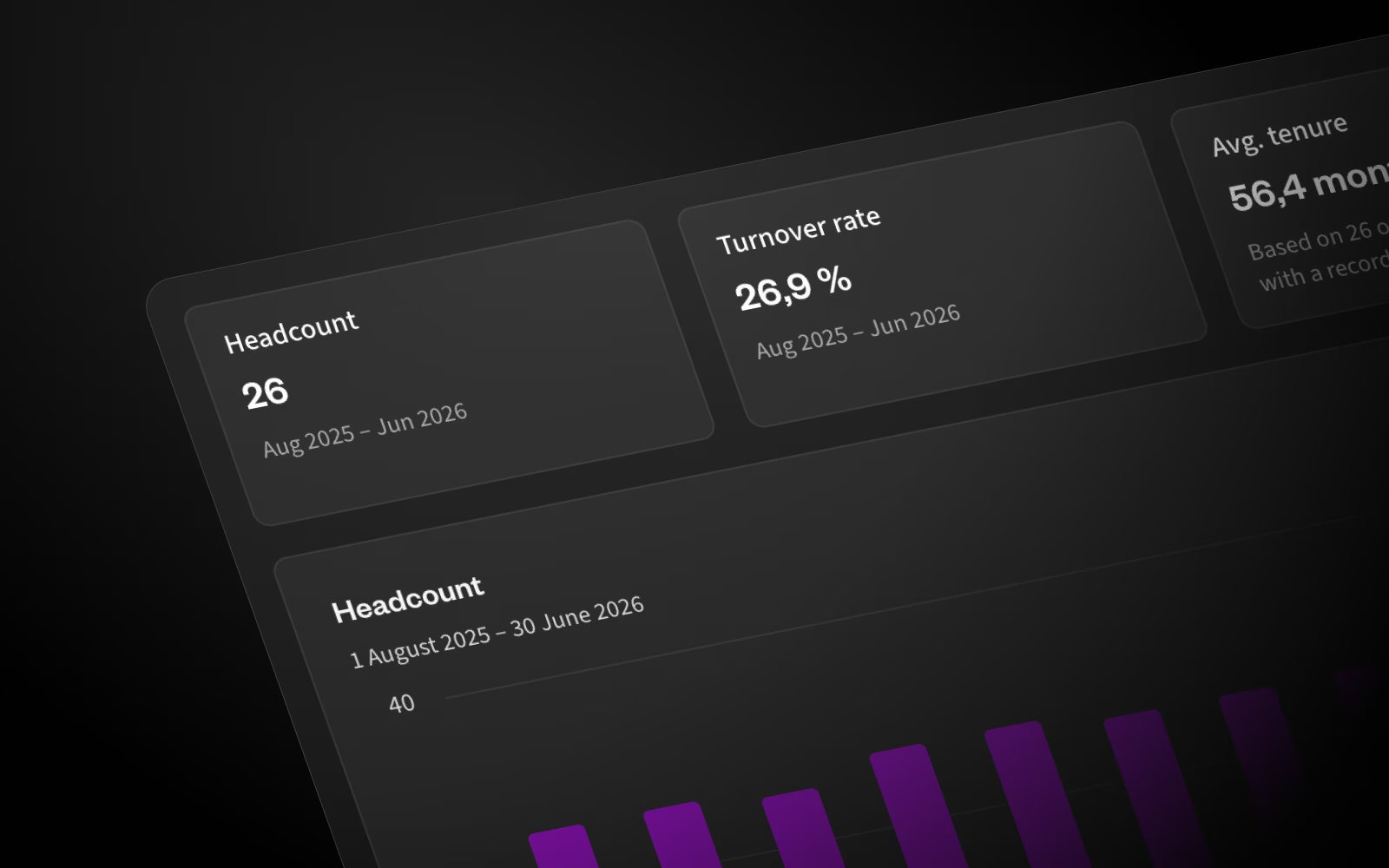
The Core HR module has been updated with new dashboards that give you visibility into your key HR data, including headcount, attrition, and average tenure.
You can filter the data as you like. For example, view only people in a certain country, company, business unit, or team, and also view data by gender or job position.
In addition, the dashboard displays the data required by the EU Pay Transparency Directive, including Gender Pay Gap reporting.
Read the Core HR documentation for details.
Partner portal
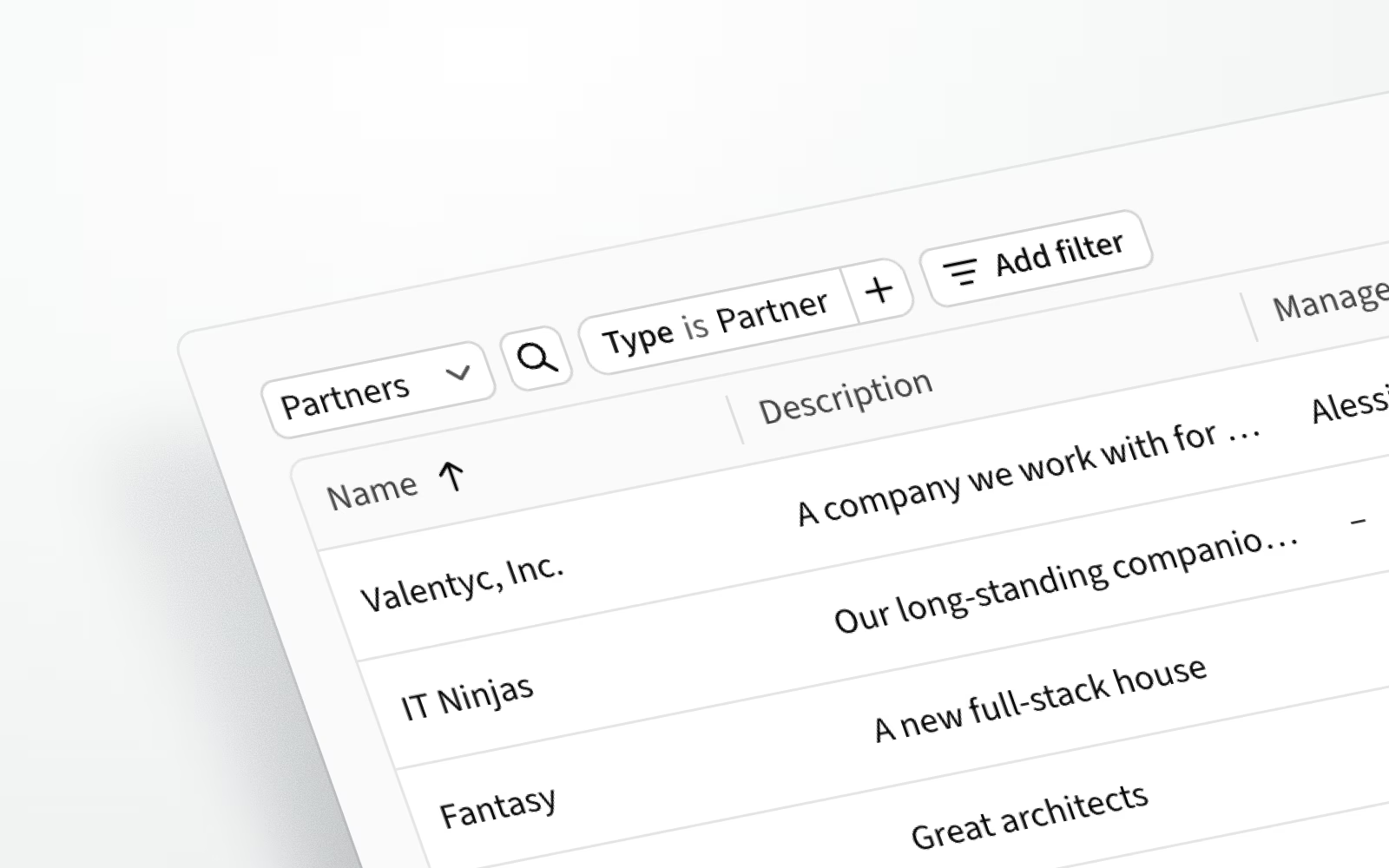
You can now manage all your partner companies directly in Agileday.
The company data model has been extended to store additional information, including skills, status, business ID, tax code, country, and external links. Companies are listed under People → Companies, and feature our new filtering engine to view precisely the results you want.
New companies can be created in the settings or via the API, and they can also be edited directly on the company pages.
Read the Partner portal documentation for details.
Locale-aware formatting
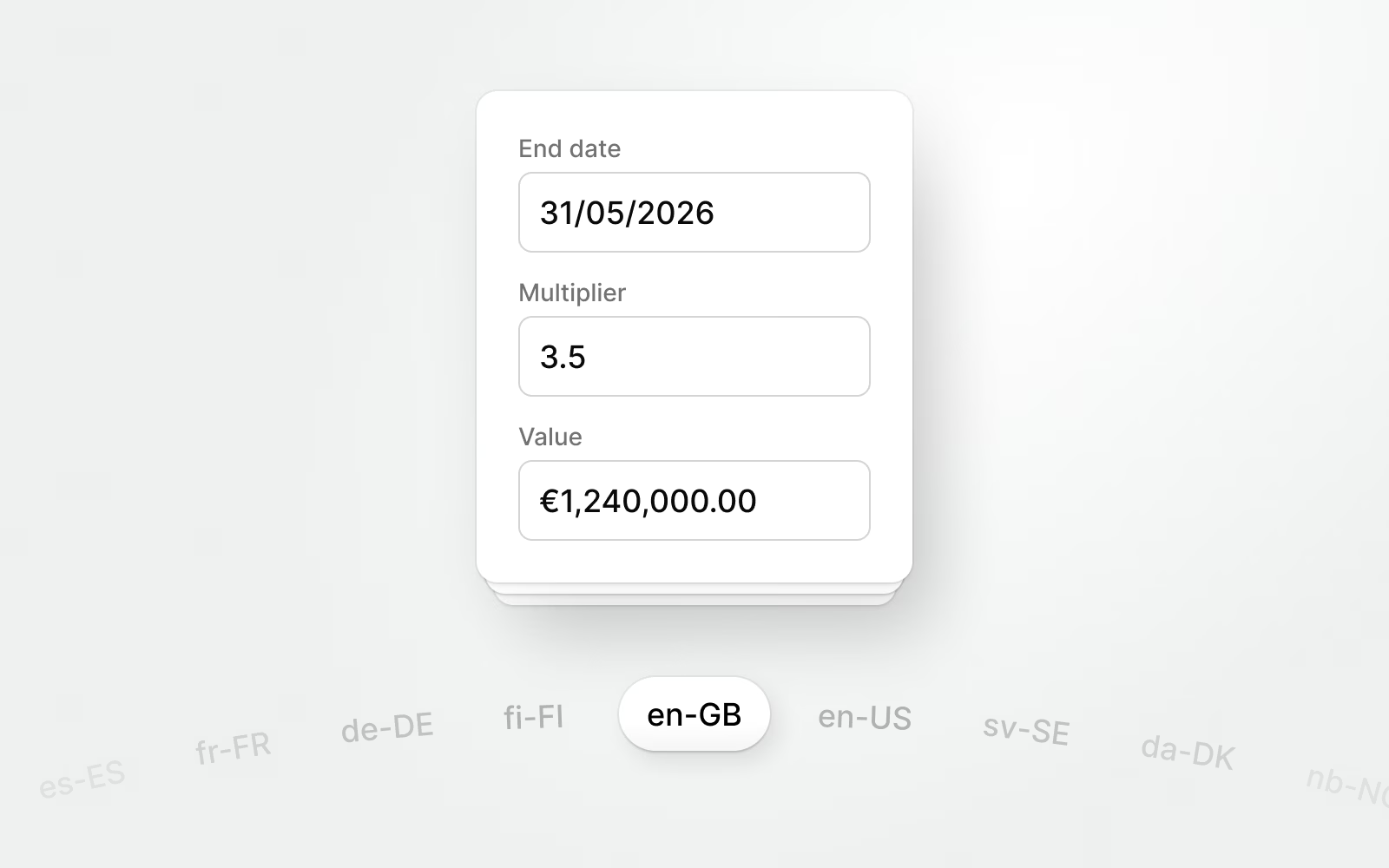
We now support localization for date, number, and currency formats. We use the browser’s default settings, but you can alternatively choose your preferred format in the user preferences.
To make Agileday even more accessible to users across different countries and regions, we’re also working to translate our UI into other languages.
AI and MCP
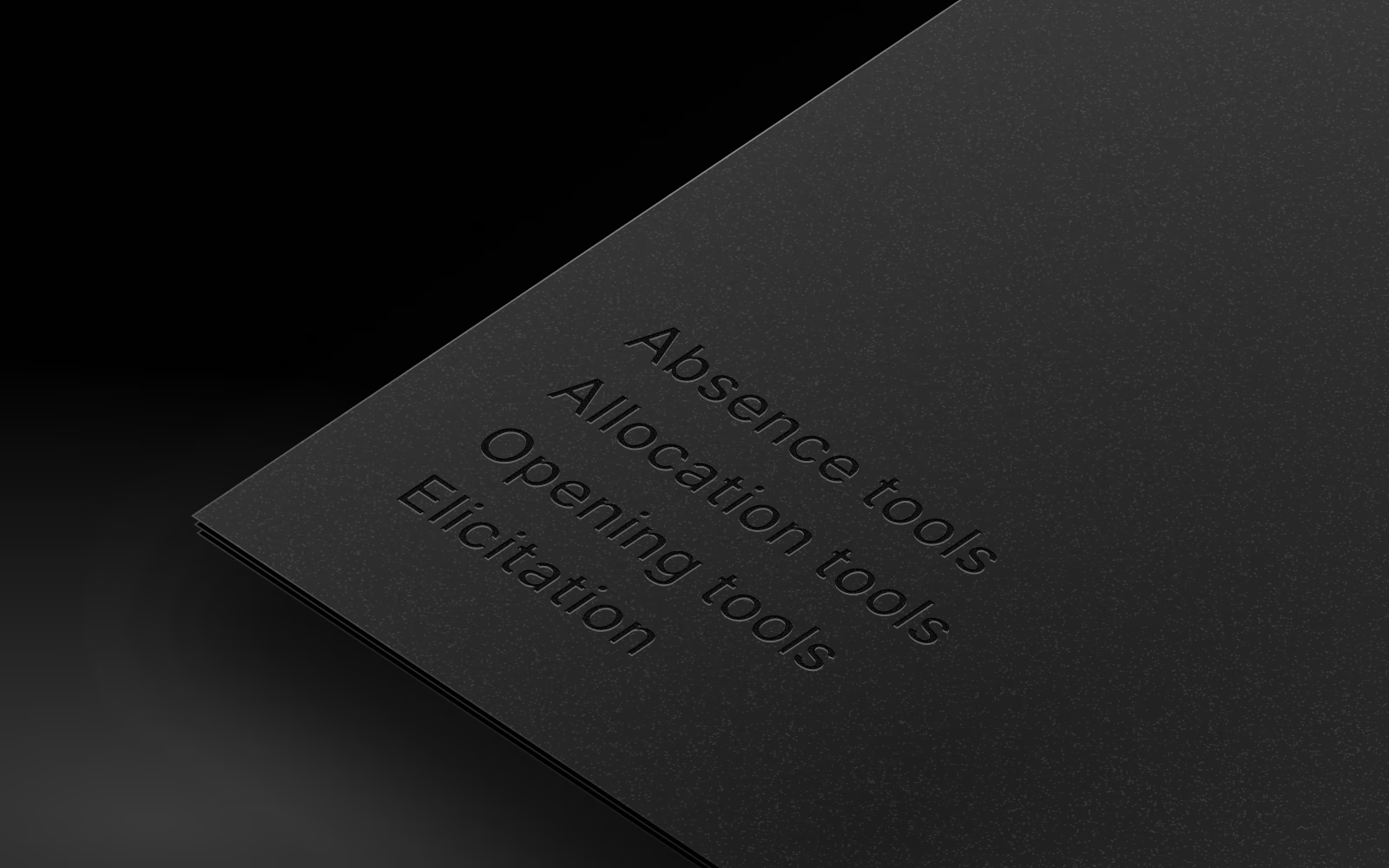
We’ve added new tools and capabilities to our MCP:
- Absence tools let you create and manage absence requests and absences.
- Allocation tools enable viewing allocations for a single employee or a project over a specified date range.
- Opening tools enable creating and updating Openings in Opportunities and Projects.
- The
search_employeestool now supports searching for users by labels and segments. - MCP now supports elicitation, allowing it to ask clarifying questions mid-workflow instead of failing when a parameter is missing — making interactions far more conversational.
Overall, we now expose 41 tools covering users, staffing, customers, projects, and opportunities, with more to come.
Improvements and fixes
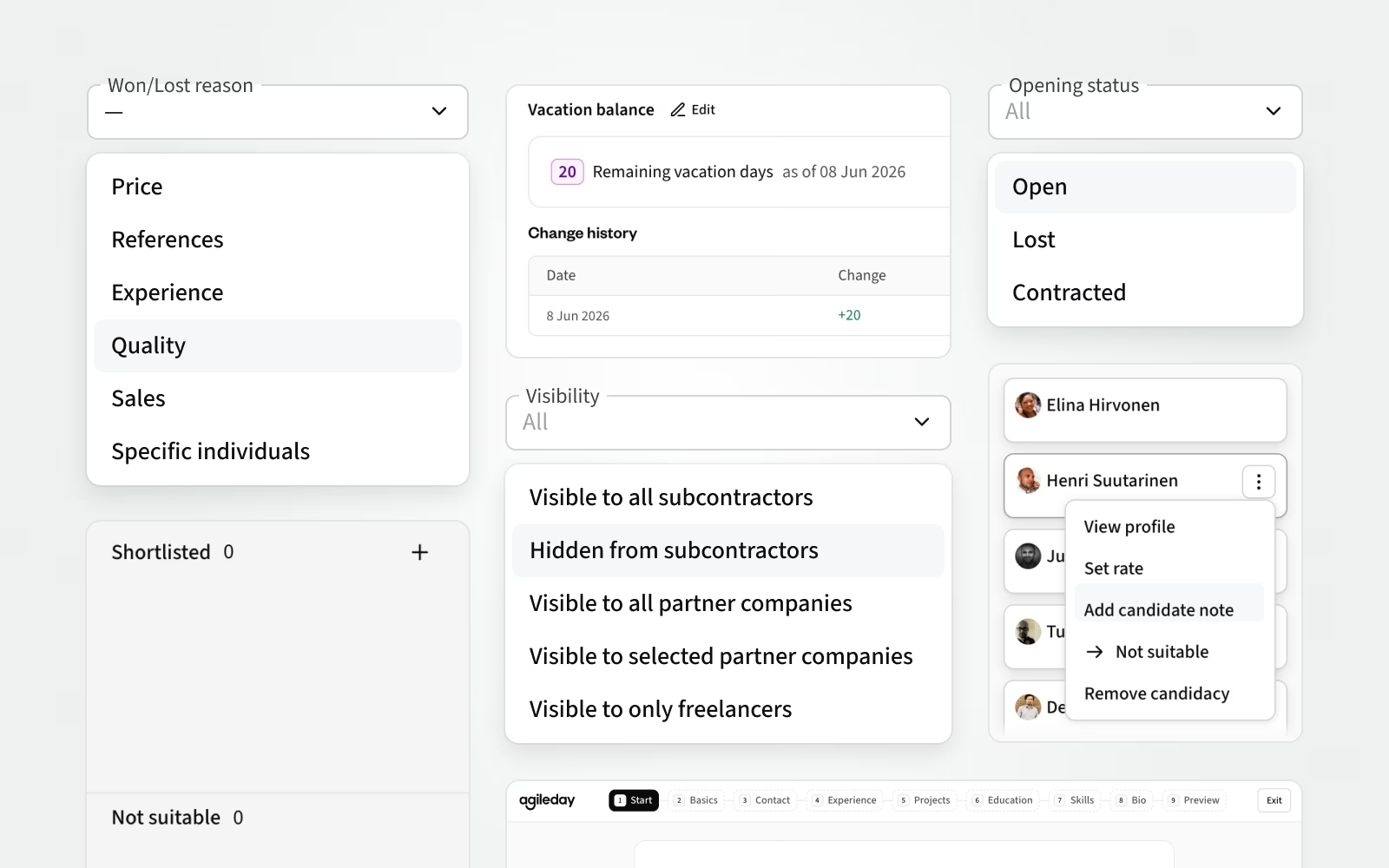
As this list is rather long, we split it into sections to help skim to the updates relevant to you.
Sales & staffing
- We added support for won/lost reasons on Opportunities. These can be configured in Settings and set via API (for CRM-originated opportunities) or in the Agileday UI. The reason typically originates from your CRM and can now be shown in Agileday as structured data.
- For high-volume staffing, we added consultant pre-screening using the new Shortlist and Unsuitable columns in Openings. Staffing can now screen potential candidates before adding them as actual candidates to an opening. Read more about high-volume staffing.
- When high-volume staffing is enabled, the candidate kanban height on the Opening page can now be adjusted.
- We added two new filters to the Openings page: Ability to view lost and contracted openings, and the ability to view openings based on their visibility to partner companies and freelancers.
- We added a new "Staffing history" tab to each user profile, listing all past and active openings where the user has been a candidate, including lost opportunities and openings where another candidate was ultimately selected. This person-specific history provides valuable insight for both individuals and staffing personnel, and is also available via API.
- Related to staffing history, staffing personnel can now add opening-specific candidate notes (e.g., reasoning for a selection decision). These notes are also visible in the user's staffing history.
Projects, Financials, and Billing
- In Billing, the "Uninvoiced up until" date filter now defaults to the last day of the previous month, and the system remembers each user's last selected value.
- Task budgets can now be defined in increments of minutes in addition to full hours.
- The Opening API now returns opening status and candidate status descriptions in addition to their names.
- We added a filter for the project Commercial model to the Project list, Project overview, Allocations, and Billing.
People, HR, and Time reporting
- Remaining vacation days can now be shown in Agileday, sourced from your payroll or HR system. They appear in the user's profile and when creating a new absence request. An API is available to update this data, and it can also be managed manually in Agileday settings. We also added Supervisor, Team, and Created Date columns to the Absences view.
- We created a new Profile wizard to help users update their profiles in a structured way. It supports uploading an existing CV as a PDF for AI to identify profile updates, as well as manual editing of all data, helping ensure each user's competencies and experience stay up to date and high-quality.
- We added support for multiple managers in the person profile view. If an organizational unit (Company, BU, or Team) has multiple managers, all are now shown in the user's profile.
- On Company pages, we added the ability to filter companies by any company attribute and surface the company manager contact information with a hover. We also added a user-specific setting for the company listing pagination size.
- We added a confirmation dialog when deleting a profile avatar.
API
- We added a new endpoint,
/v2/employee/id/{id}/cvs, enabling read and write operations for CVs in JSON format. CVs can also now be fetched in PDF format. - We added APIs to create, read, update, and delete Seniorities and Commercial Roles.
- We added support for retrieving and updating Companies by
externalIdin/v3/company. - We added buy and sell rates to the
/v2/reporting/time_reportingendpoint. - We unified the
/v2/openingresponse format for Candidates, Shortlisted, and Unsuitable users, and addedvisibleInCvto the contractee relationship. - We added a new endpoint,
/v2/employee/id/{id}/experiences, for reading and writing user experience records (Work, Project history, Education, Training). - SCIM: We added a configuration option to set an end date for a user's account when disabling it.
Bug fixes
- We fixed the inconsistent formatting of allocation percentages in Find candidates. We now respect the user's FTE/hrs/% selection when showing existing allocations for potential candidates.
- On the Opening page, decimal allocation numbers are now supported consistently.
- We fixed an issue where long PDFs prevented the use of the Opportunity enrichment AI feature.
- We fixed an issue where disabled users without an end date were not shown in Talent Search or Find Candidates.
- We fixed an issue where candidate rate options were incorrectly visible in the UI for shortlisted users.
- We adjusted the minimum height of the staffing kanban to reduce unnecessary vertical scrolling.
- We fixed an issue where Project Finance did not display the current price if a task had a past price without a start date.
- We fixed an issue where the uninvoiced items list stopped loading partway through when handling large datasets.
- We fixed an issue in Project Settings where editing two fields simultaneously could leave the first field showing an outdated value after saving, until the page was refreshed.
- We fixed an issue where unrated skills were not shown on top when skill categories started with a number.
- We fixed an issue where past organizational units (Company, BU, Team) were shown in filters.
- We fixed an issue that prevented the career start date from being shown in CVs, even when it had been configured.
- We fixed an issue where existing CVs could no longer be updated after a user's avatar was changed, and the avatar was no longer visible in the CV Editor.
- We fixed an issue where historical projects could not be edited in the CV Editor.
- We fixed an issue where OAuth
redirect_urivalidation incorrectly rejected loopback URIs with ephemeral ports.
That's it for May, see you again next month. Until then, let us know if you have any questions.